
RC Verification: How to Check Vehicle Registration Details
Learn how RC verification works, what vehicle registration details it reveals, and how businesses use it for finance, insurance, used-car sales and fleet management.
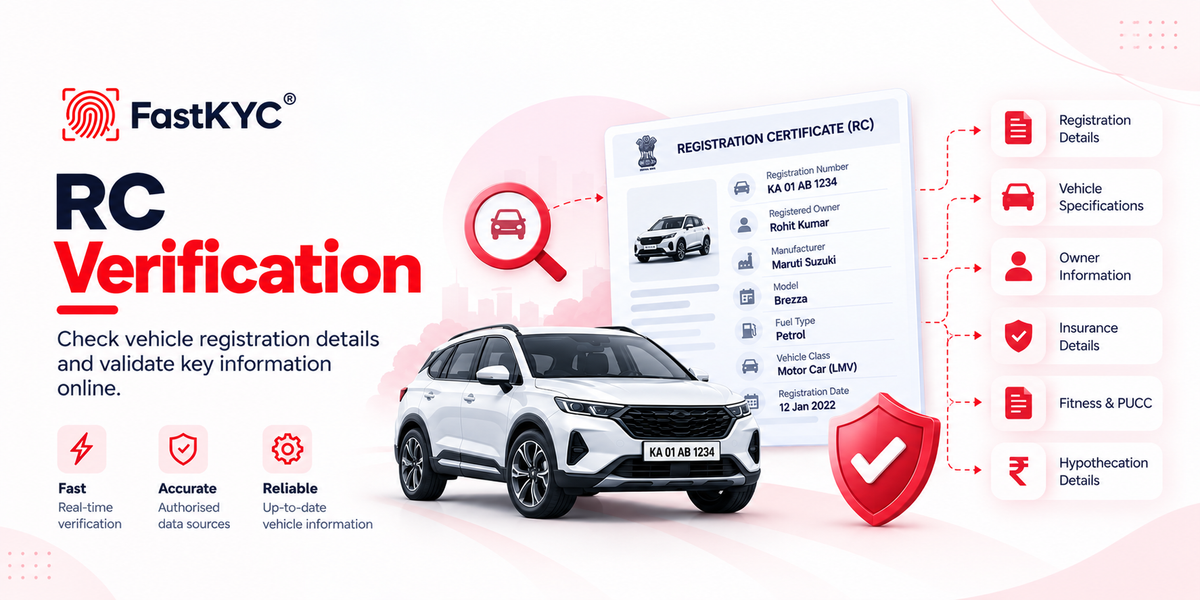
A Registration Certificate (RC) contains important information about a vehicle, including its specifications and registered-owner details. RC verification helps businesses validate a vehicle's registration information against available transport records, supporting vehicle loan processing, insurance, used-car transactions and fleet onboarding while reducing manual verification.
1. What Is RC Verification?
RC verification is the process of checking a vehicle's registration details against an authorised data source to retrieve and validate the information associated with its registration number.
It helps businesses compare available details, such as the registered owner's name, vehicle class, manufacturer, fuel type and registration dates, with information submitted by a customer or seller.
2. Why Is RC Verification Important for Businesses?
RC verification helps businesses:
- Validate vehicle details: Compare submitted information with available registration records.
- Cross-check ownership: Identify discrepancies in registered-owner information.
- Check validity details: Review available registration and document validity dates.
- Support risk assessment: Use vehicle information in lending, insurance and transaction checks.
- Reduce manual effort: Retrieve structured vehicle details instead of repeatedly entering information from documents.
3. Key Use Cases of RC Verification
Vehicle Finance and NBFCs
Verify vehicle details and available financing information during loan applications and vehicle-backed financing.
Motor Insurance
Cross-check vehicle specifications and available insurance details during policy issuance, underwriting and claims assessment.
Used-Car Transactions
Compare registration, vehicle identification and registered-owner details with the seller's documents before purchase.
Fleet and Logistics Operations
Check vehicle registration, fitness and permit details when onboarding commercial vehicles and maintaining fleet records.
Vehicle Rental and Mobility Platforms
Verify vehicle particulars against submitted documents before adding vehicles to the platform.
4. What Information Does RC Verification Return?
The information returned depends on the selected API, source record and applicable access restrictions. The following categories describe the details that may be available.
Registration Details
- Vehicle registration number
- Registration date and validity
- Registration status and state
- Registering authority or RTO details
Vehicle Specifications
- Manufacturer and model
- Vehicle class and category
- Fuel type, body type and colour
- Chassis number and engine number
- Manufacturing date, engine capacity and seating capacity
- Emission norms and weight details
Owner Information
- Registered owner's name
- Owner number and ownership history, where available
Insurance, Fitness and PUCC Details
- Insurance company name, policy number and validity
- Fitness certificate validity date
- PUCC number and validity date
Permits and Transport Authorisations
- Permit type and number
- Permit validity dates
- Permit issuing authority and service type, where available
- National Permit and All India Tourist Permit (AITP) details, where available
Financing Details
- Financing status
- Financier or finance company name
Tax and Other Vehicle Information
- Tax payment mode and available tax validity details
- Blacklist status, where available
- Non-use status and related dates, where available
- No Objection Certificate (NOC) details, where available
- Purchase date and sale amount, where available
- RC verification
- Vehicle